






Wulf Mods Zapp Variable Voltage Battery

Free Discreet Shipping on $50+

100,000+ satisfied customers

Personalized Support Anytime
Vape Long And Prosper

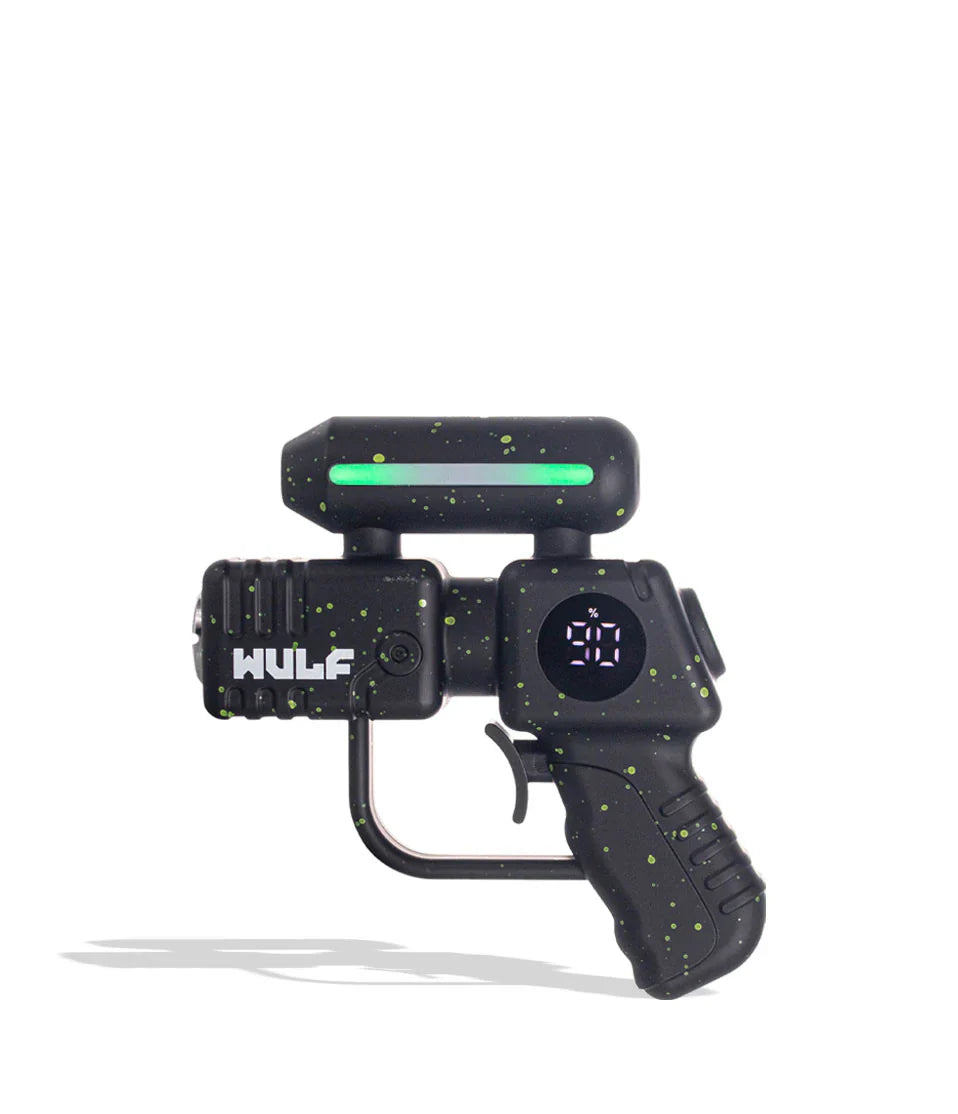
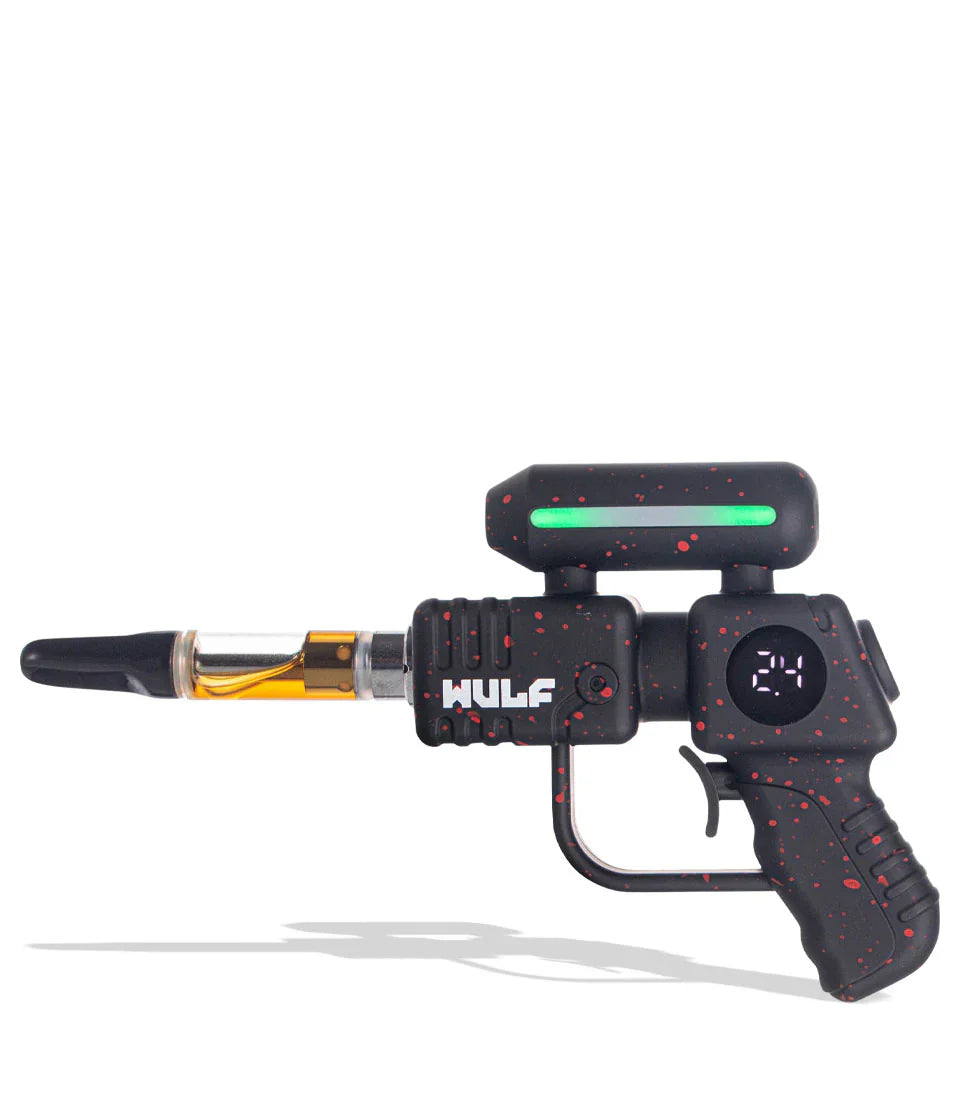
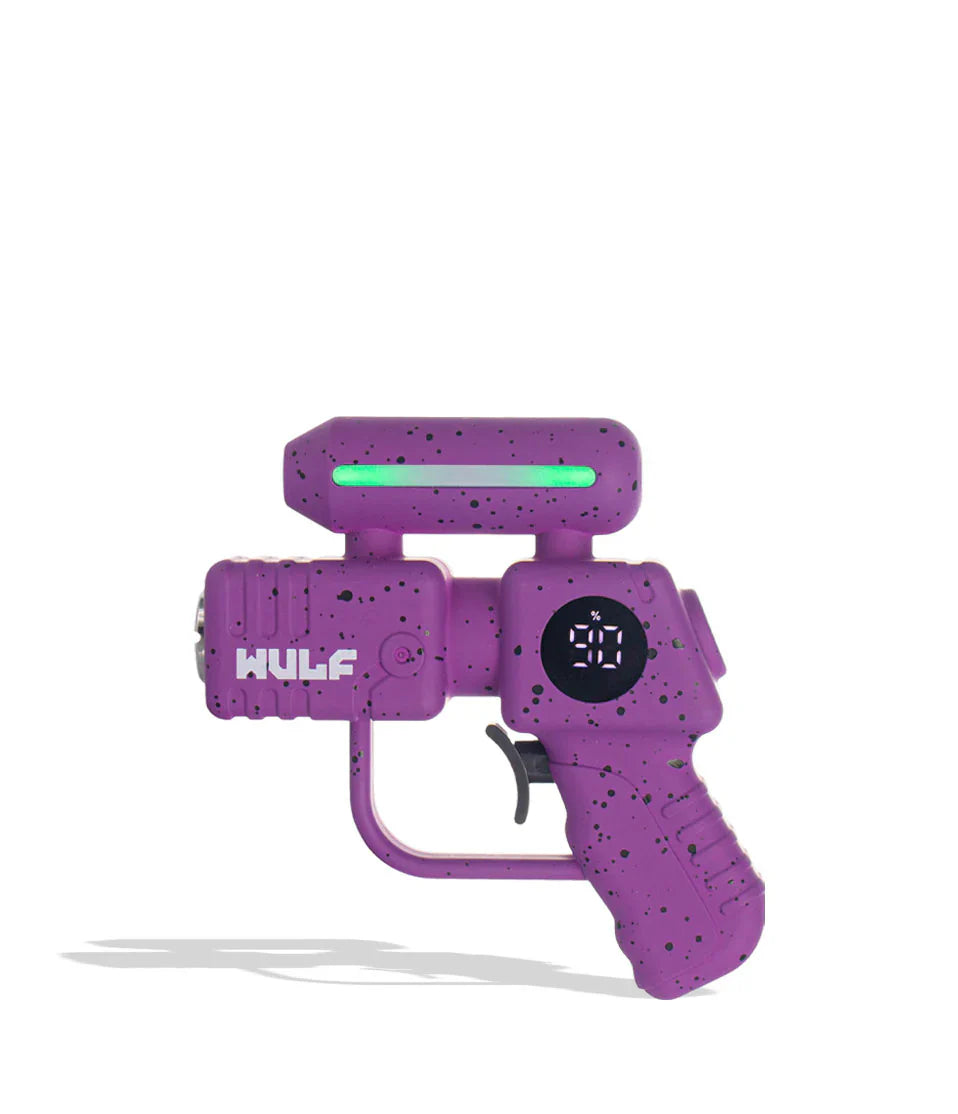
Boldy go where no session has gone before with the galactic firepower of your own Wulf Mods Zapp Variable Voltage Battery. Designed to resemble the iconic sci-fi phasers of pop culture, the Zapp is a truly one-of-a-kind creation with immersive details including trigger pull activation and a bright LED strip for light up effects.
Inside the Zapp is a real cartridge enterprise, providing a 500mah battery for clouds powerful enough to give Spok the giggles, 5 voltage options (2.4, 2.8, 3.2, 3.6, 4.0v) to put you in the captain’s seat of your sessions, and a 12s pre-heat to beam your cartridges up to maximum potency.


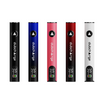
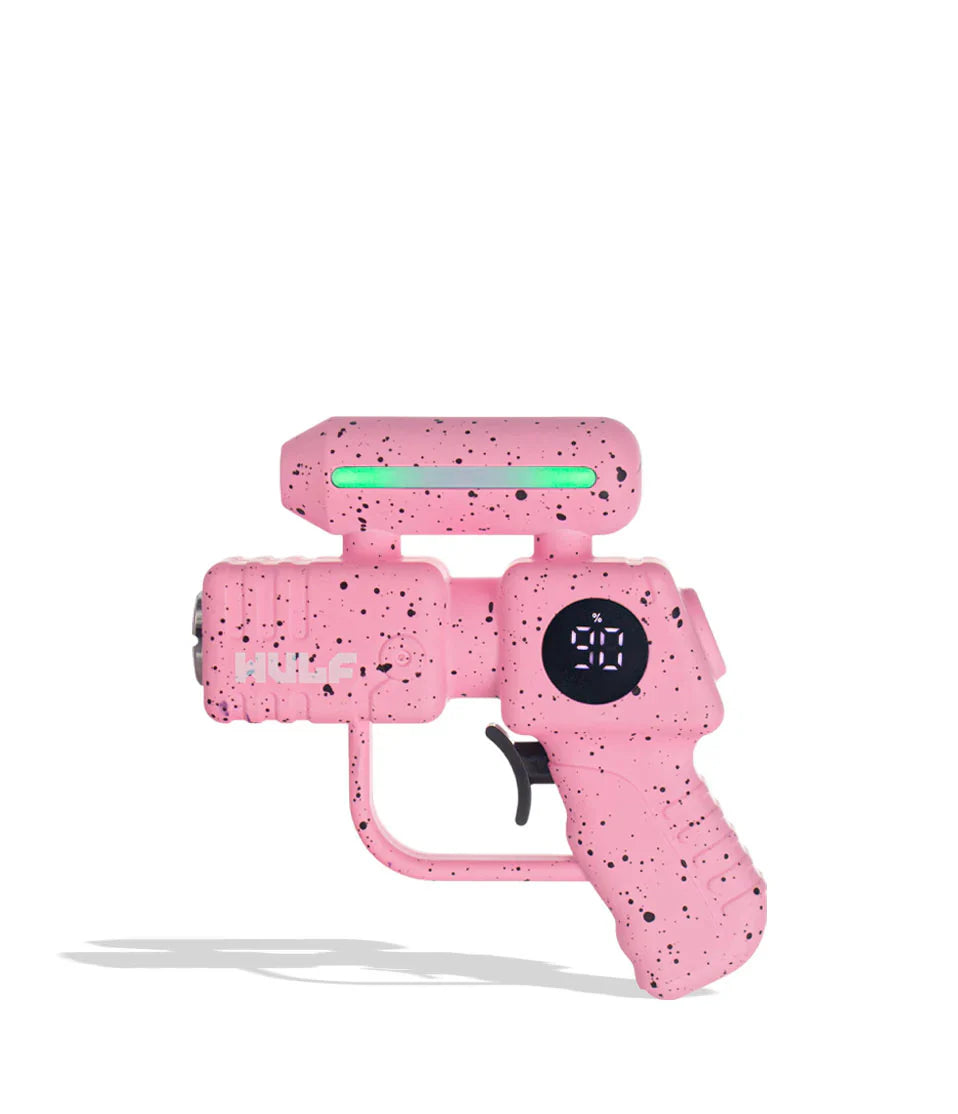
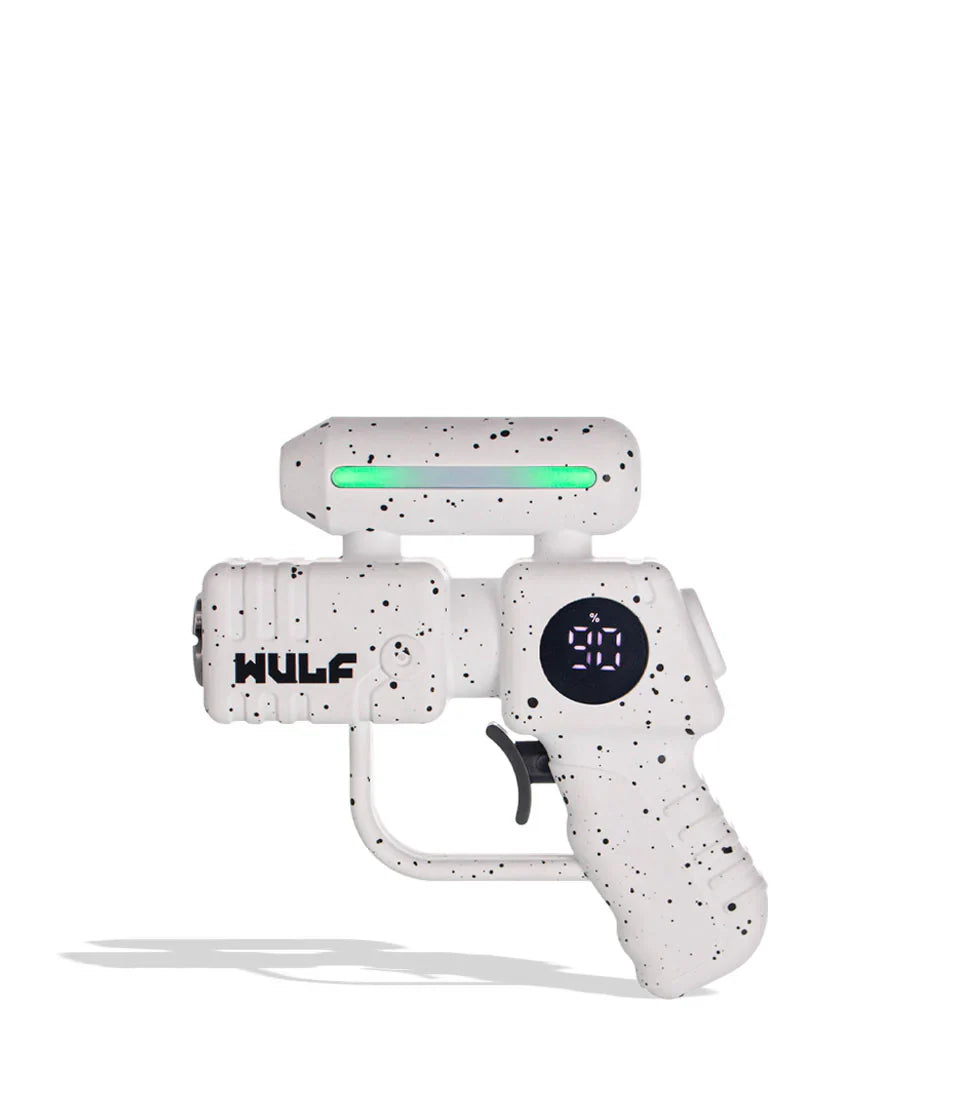
With fast USB-C charging capabilities and universal 510 threaded cartridge compatibility of all sizes, the Zapp has all the quality of life upgrades required to make using it a breeze. The Wulf Mods Zapp is now available for your sessions in a choice of 9 different spatter color options including blue-black, purple-black, and more.

Loading the Wulf Mods Zapp
To commence your cloud voyage on the Wulf Mods Zapp, you must first select any of your 510 cartridges and carefully twist it into the threaded connection located on the muzzle / front of your device. Continue twisting until the connection is firm and you are all ready to get started on using your Wulf Mods Zapp.

Using Your Wulf Mods Zapp
Fire up your Wulf Mods Zapp for some cartridge fun by first pressing the trigger / power button 5x in a row - yes, the Zapp is controlled with its trigger acting as a fully functional power button for an even more immersive experience.

Once you’ve powered on your Zapp, your screen will light up and your top LED will flash - this lets you know you're ready to hold down the trigger / power button for usage. When your session is complete, simply press the trigger / power button 5x in a row to power it off for safe storage.
Adjusting The Voltage On Your Wulf Mods Zapp
To switch between the 5 different voltages on the Wulf Mods Zapp pull the trigger / power button 3x in a row. This will switch you to the next Voltage in line, repeat the 3x trigger pulls to continue switching through settings until you’ve found your desired choice.
Pre-Heating Your Wulf Mods Zapp
For an extra fiery cloud, press the trigger / power button 2x in a row to activate your 12s pre-heat function. When successfully input, your screen will display “1.8v” and your LED light will rapidly shift between colors to let you know the pre-heating is underway. When the 12s are up, your device will return to normal and you can take a draw as usual for a super charged extra flavorful blast of cartridge power. To stop your pre-heat mid heat, simply press the power button 1x and it will revert to normal.

Charging the Wulf Mods Zapp
To charge your Wulf Mods Zapp utilize the USB-C charging port located at the back of the device. When plugged in, your digital display will flash the current battery % level all the way until 99%, at which point your screen will stop flashing to let you know it is fully charged.

Troubleshooting Your Wulf Mods Zapp
Keep all of your Wulf Mods Zapp sessions moving smoothly with the help of this list of common troubleshooting errors.
- Short Circuit Warning: If your Zapp is experiencing a short circuit, your LED will flash red 5x in a row. Cease using that cartridge until the warning subsides.
- Low Battery Warning: When your Zapp needs a charge, the screen will flash 3x and display a 0%.
- Open-Circuit Warning: If your LED light flashed 2x, this means you have an open-circuit and need to change your cartridge.
- Time Out Warning: To prevent overheating, if you hold down the trigger / power button for longer than 15s, your Zapp LED light and screen will flash 3x.
How to Clean Your Wulf Mods Zapp
To guarantee your Wulf Mods Zapp Variable Voltage Battery is always operating at 100% efficiency, we recommend that you take the time to clean your device.
First power off your Wulf Mods Zapp and remove the cartridge. Now you can take a q-tip or swab and dampened lightly with isopropyl alcohol and clean the threaded connection on your Zapp, gently removing any material build up for a clearer connection. Then you can wipe down the exterior of your Zapp, before setting it aside and allowing it ample time to completely dry.


What’s Included:
- (1) Wulf Mods Zapp Variable Voltage Battery
Enjoy FREE Shipping on all U.S. orders over $50!
Please note: We are not responsible for any carrier-related shipping delays.
To protect your package from loss, theft, or damage in transit, we recommend adding Redo Returns & Package Protection at checkout.
Let customers speak for us
I got a boutique and it was legit real and tasted great thank you so much dub charge for your discreet shipping to🔥🔥


loveeeeeeee not boof and gets me decently high off a small hit and the white gummy flavor is goodd

It ventilates well and works perfectly. Almost too perfect because It is rare that residues of what you are smoking gets in your mouth even when It's extract. The quality is amazing the only thing I noticed is that it has a few scratches barely noticable, it comes in good packaging wrapped and in a box. Oh and it's easy to use really recommend. <3

It seems it works fine, I need to test it with a cart that I still don't have ;( but It came in a good packaging and the price was amazing

I loved it, maybe strong for other people tho, the first few puffs made me cough like crazy, fire If you want a strong effect

Everything was top shelf and was such a pleasant experience
It hit so well and tasted so good

The flavor was amazing, I loved the hit of it!! I would recommend giving this dispo a shot


Was super gassy and smoked good the pre roll was ok but the bud was fresh and smelled good

Wow! What a deal! I got the curated package and it's amazing! Will definitely be getting more products from DubCharge!
Best customer service experience I've ever had very helpful and called to make sure I understood the subscription I signed up for and very cool guy definitely going to spend a good amount of my paycheck on here I love that they shipped my package with Folger coffee bags for concealing the smell I was thrown off at first opening the package but in a good way you guy/gals rock and keep it up
I got an even amount of stains at least 5 of each stain which I appreciate it's a nice setup and the little containers are awesome
35,000+ HAPPY CUSTOMERS
100%
Quality Guarantee
Every DubCharge product is crafted with precision and tested to meet the highest standards, ensuring top quality you can rely on.
5 Days
Fast Shipping
We ensure speedy delivery tailored to your location! Depending on where you’re based, your order will arrive within 5-7 business days. All orders are processed and shipped within 24 hours to get your products to you as quickly as possible.
99.9%
Pure Materials
We use only the purest materials in our products, delivering clean and consistent results with every use.
NICOTINE BRANDS
















HEMP BRANDS





















ALL PRODUCTS
Pipes
Classic and Unique Designs to Elevate Every Smoke
Vaporizers
Advanced Technology for a Smooth, Clean Experience
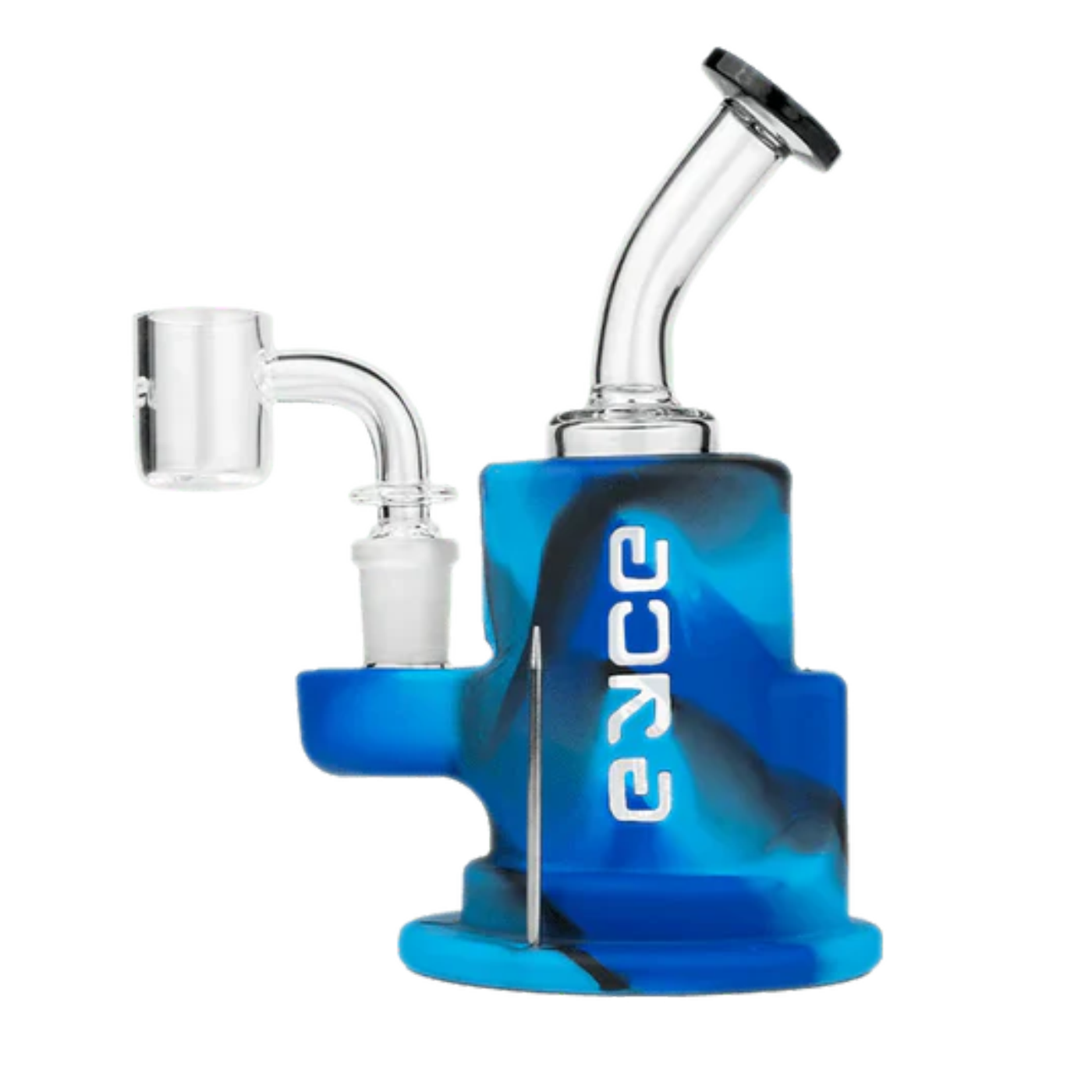
Dab Rigs
Experience the Full Flavor with High-Quality Rigs
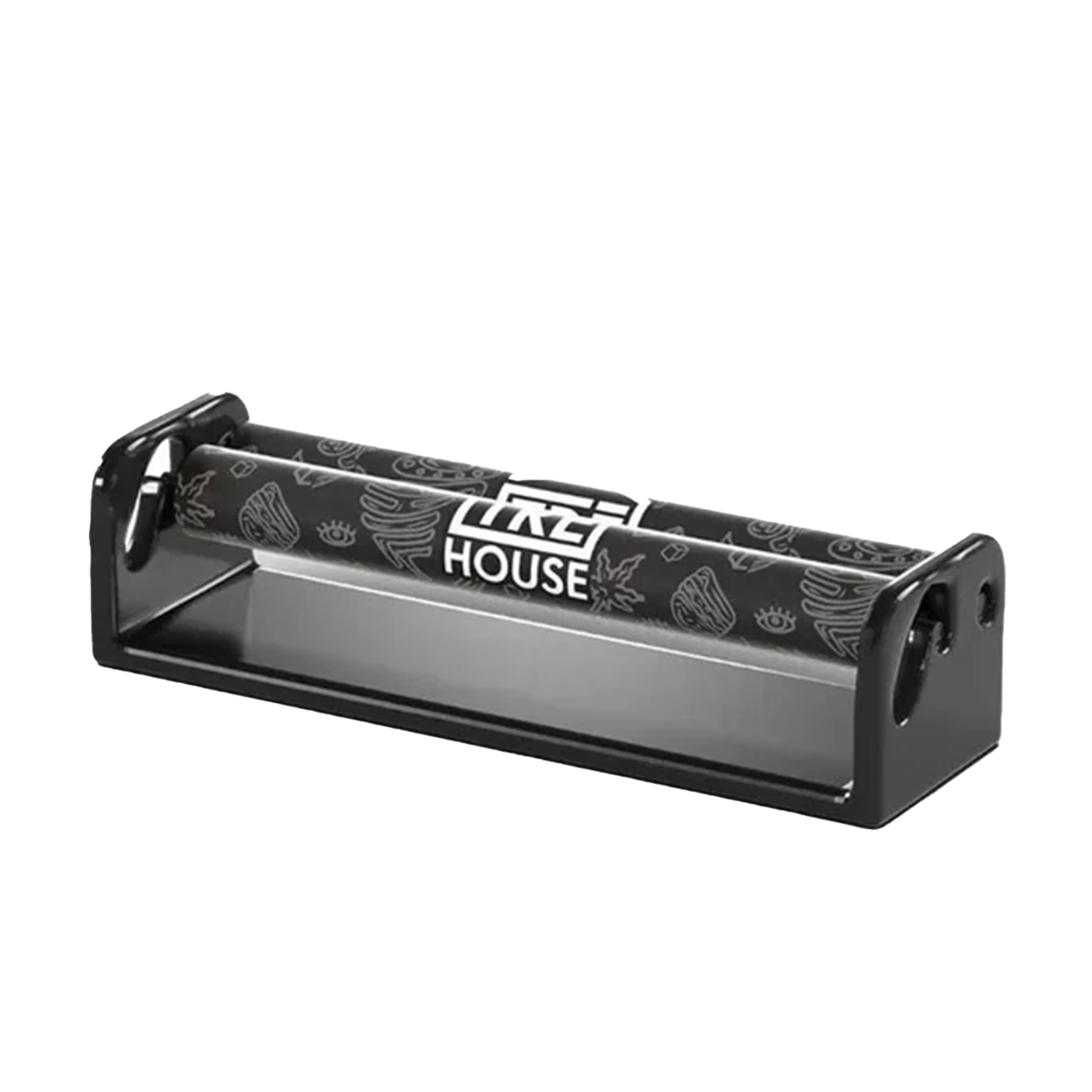
Roll Your Own
Everything You Need to Craft the Perfect Roll
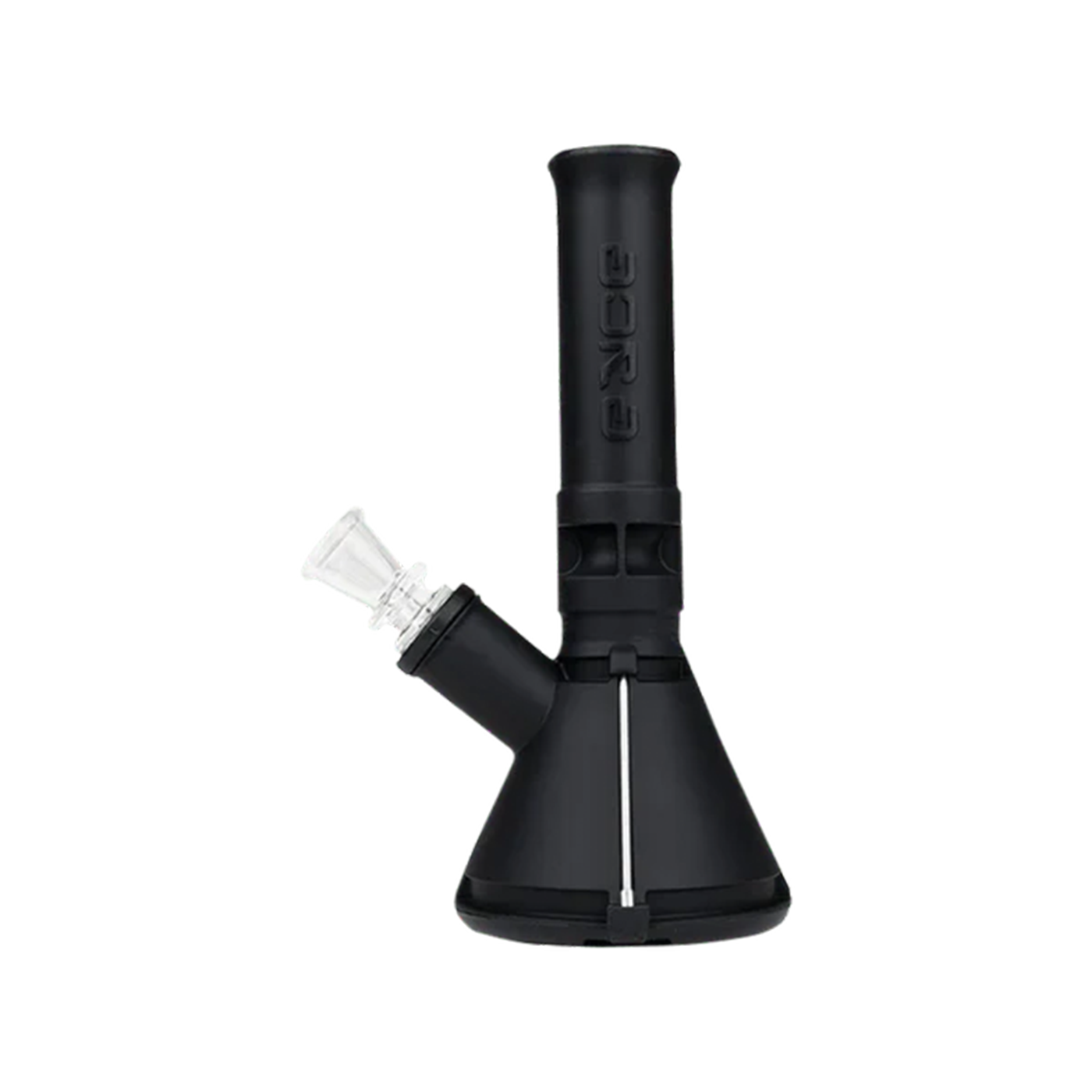
Bongs
Premium Glass and Stylish Designs for a Better Hit
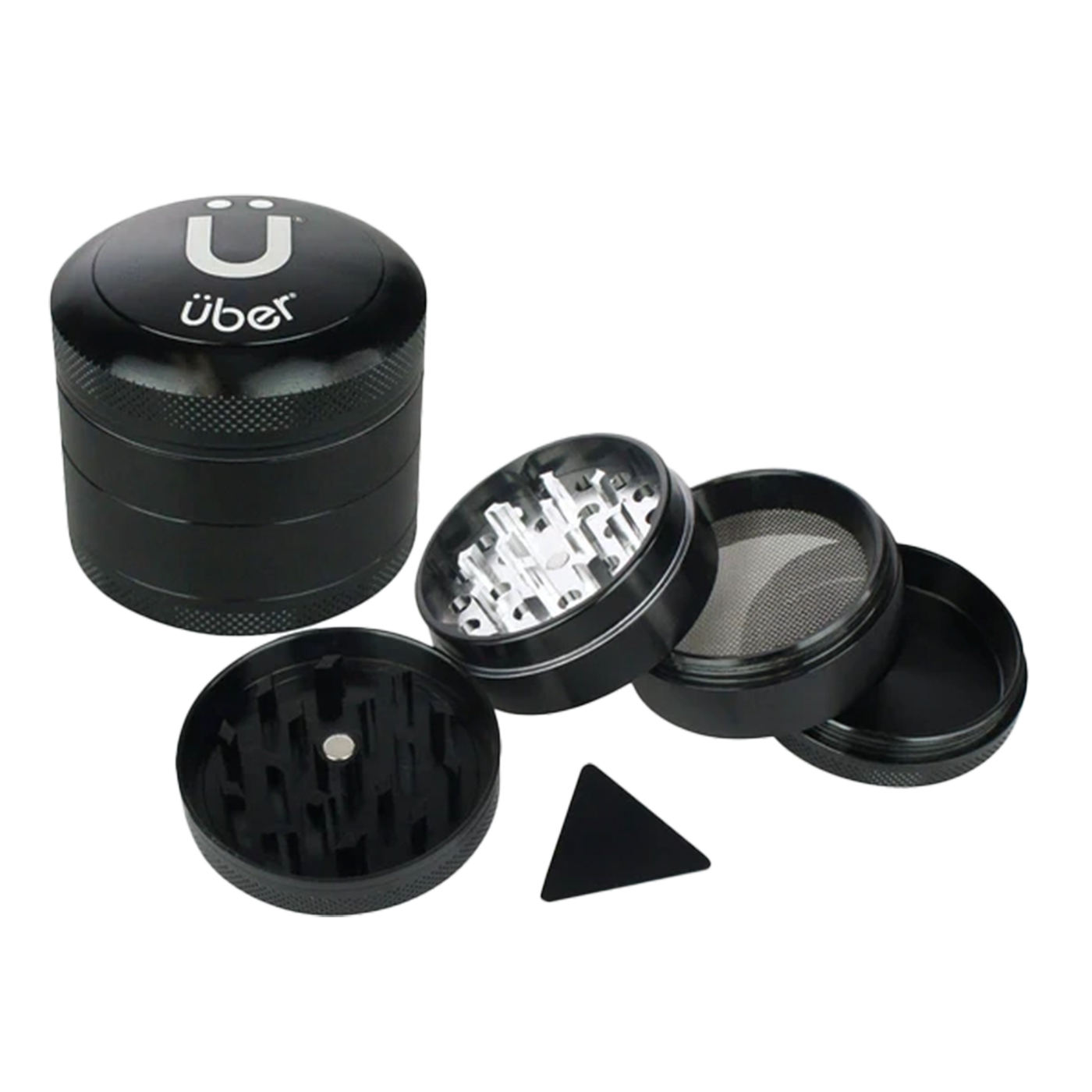
Parts & Accessories
Enhance Your Setup with Quality Gear and Accessories
FAQ
How should I keep my Device clean?
Keep the power connection points clean and free of oil residue or other debris as part of regular maintenance. One out of every five cartridges may be defective and can leak. To properly maintain your Device, gently clean the connecting area with a cotton swab and some rubbing alcohol (isopropyl alcohol).
How long does it take to fully charge a Device?
Charging typically takes around 1-2 hours. The light near the charging port will turn off once fully charged. The Device also supports pass-through charging, so you can use it while it’s charging.
Can I use any type of cartridge with the Device?
The Device is compatible with most 510-thread cartridges. However, always check compatibility with your specific cartridge type for the best performance.
What’s the expected battery life of the Device on a single charge?
Depending on usage, the Device’s battery lasts between 1-2 days on a full charge. Heavy use may require more frequent charging.
Is there a warranty on Device products?
Yes, the Device comes with a 1-year limited warranty covering manufacturer defects. Contact customer support if you experience any issues covered under warranty.
How do I clean and maintain my Device?
Regular cleaning helps maintain performance. Use a soft cloth to clean the exterior, and avoid water contact with any electrical parts. Refer to our maintenance guide for detailed instructions.
